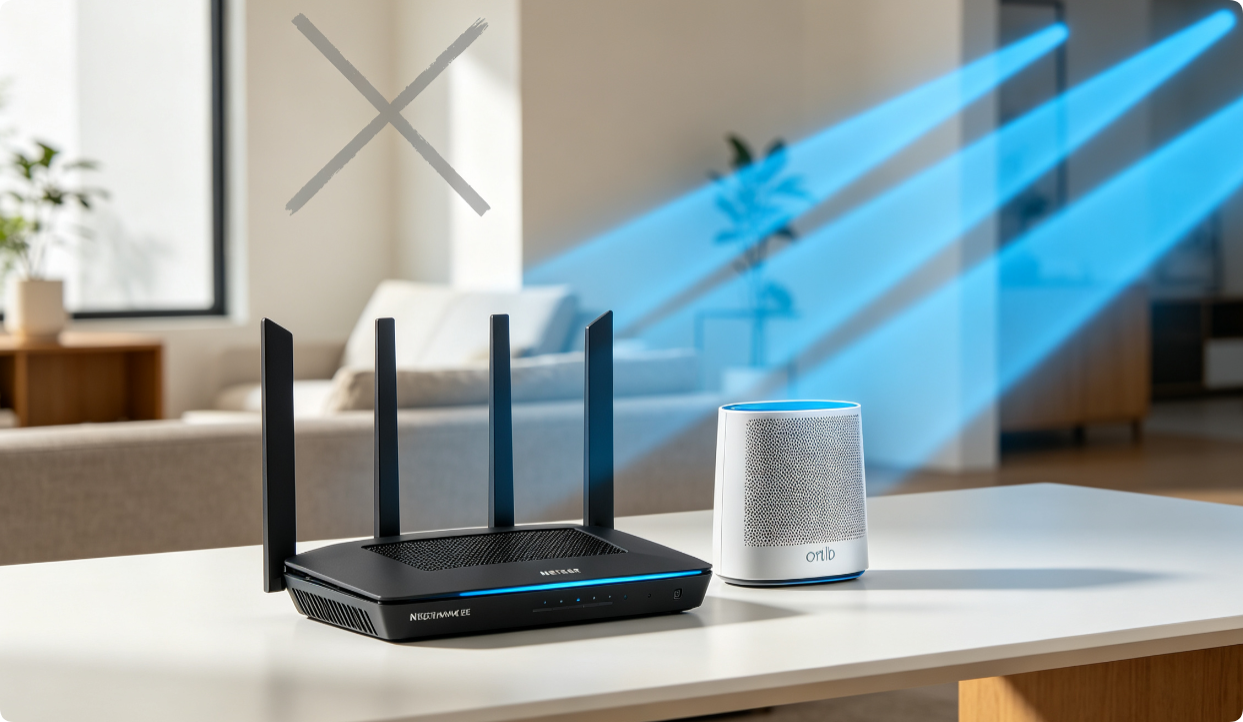
Beamforming is a built-in Netgear radio technology that focuses WiFi signal toward connected devices instead of broadcasting omnidirectionally. For Nighthawk AX/BE WiFi 6/7 and Orbi mesh owners, enabling and tuning […]
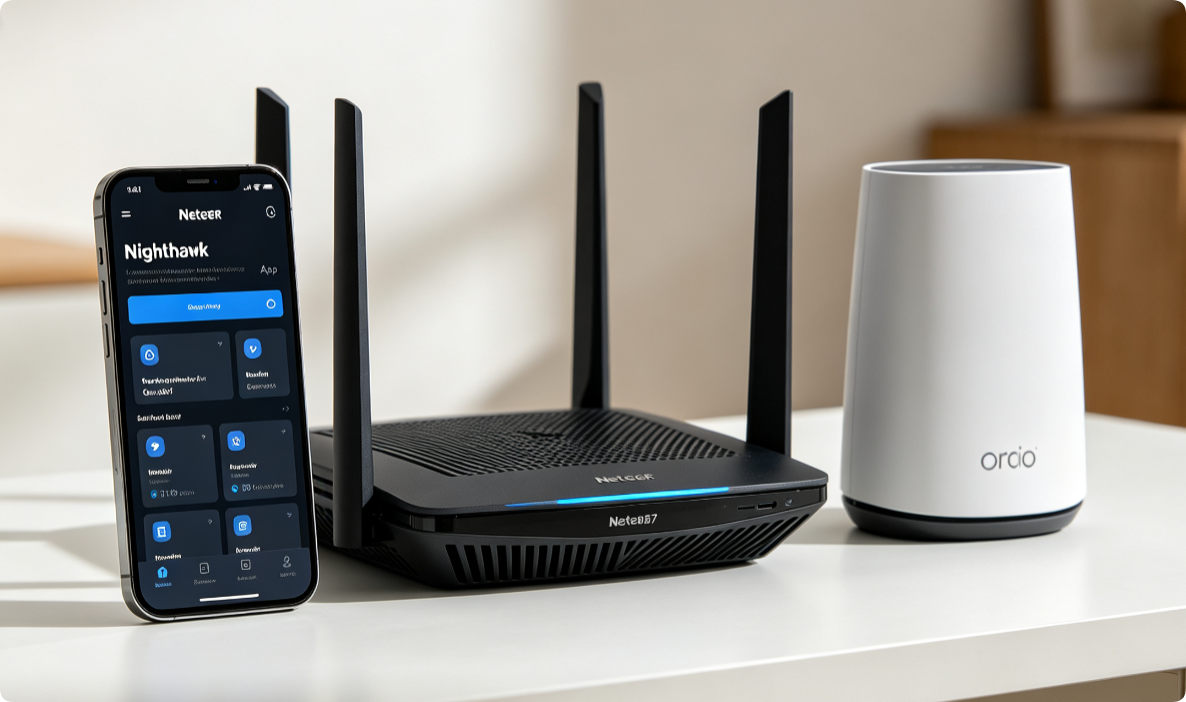
How to Install & Use Netgear Nighthawk App: Complete Setup to Control Nighthawk AX/BE & Orbi Mesh Routers Straight From Your Cell Phone
Managing Netgear AX/BE routers and Orbi mesh no longer requires a desktop browser. The official Nighthawk mobile app delivers one-touch setup, real-time device monitoring, speed testing, QoS prioritization, firmware updates […]
TP‑Link TL‑WR841N Setup & Optimization (Budget Router) | Fix Slow Wi-Fi & Random Disconnects Forever
The TP-Link TL-WR841N is a widely used low-cost 2.4GHz-only router, yet many users suffer slow speeds, frequent disconnections and weak coverage due to default factory settings and outdated firmware. This […]
TP-Link QoS Setup to Prioritize Gaming, 4K Streaming & Video Calls: Step-by-Step Guide for Archer AX Routers & Deco Mesh With HomeShield
Network congestion triggers gaming lag, stuttering 4K streams and frozen Zoom calls when multiple devices download files simultaneously. TP-Link HomeShield QoS delivers two flexible priority modes—Scene Acceleration for app traffic […]
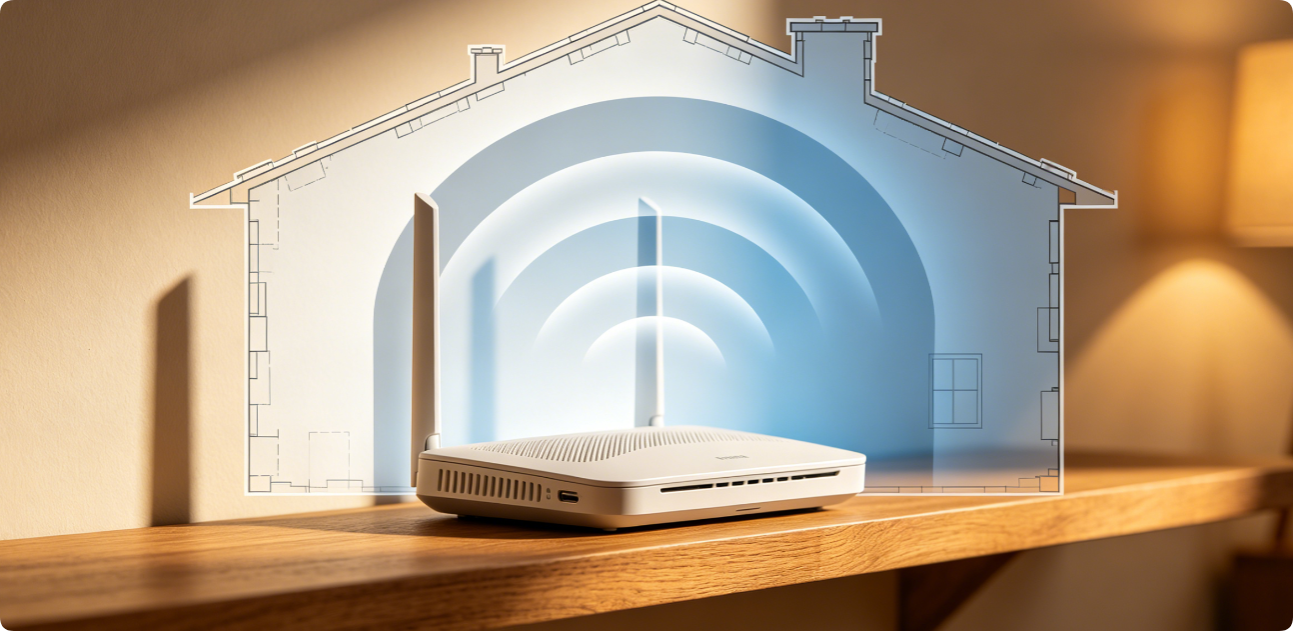
How to Solve Wi-Fi Dead Zones: Simple Home Router Adjustments That Really Work
Blank dead zones with zero Wi-Fi signal plague bedrooms, basements and garages in nearly every household. Many homeowners immediately buy expensive mesh extenders, but most weak coverage issues can be […]
How to Fix a Home Router That Keeps Disconnecting: Common Configuration Solutions
Frequent random Wi-Fi drops, brief internet outages and constant device reconnection are one of the most annoying home network issues. Most disconnection faults stem from incorrect router configurations instead of […]
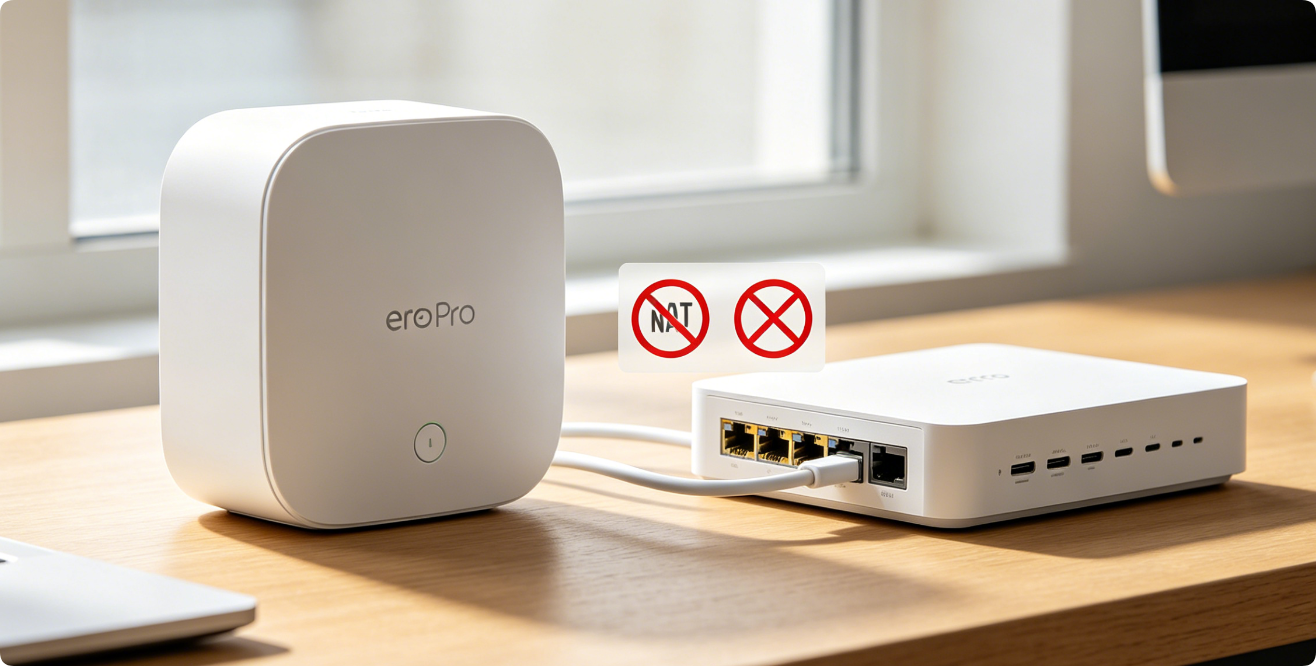
Eero Router Bridge Mode Configuration to Work With ISP Modem-Router Combo Gateway: Two Official Setups to Eliminate Double NAT & Stabilize Mesh
Double NAT occurs when your ISP’s combo gateway and Eero both run NAT, DHCP and firewalls simultaneously. This causes gaming strict NAT errors, broken port forwarding, unstable mesh roaming, remote […]
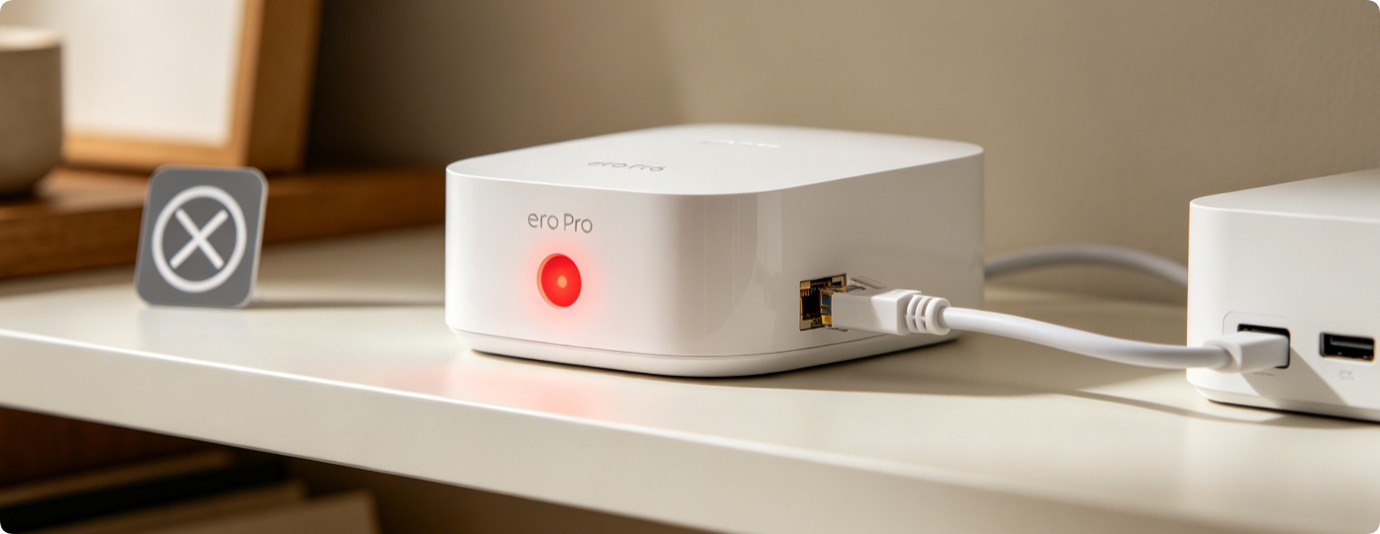
Proven Solutions for Eero Gateway Solid Red Light: Eliminate WAN Disconnects & Recover Full Internet Connectivity Fast
A solid red LED on your primary Eero gateway signals total WAN failure, cutting all household devices off from the internet. Unlike red satellites (mesh sync loss), gateway red lights […]
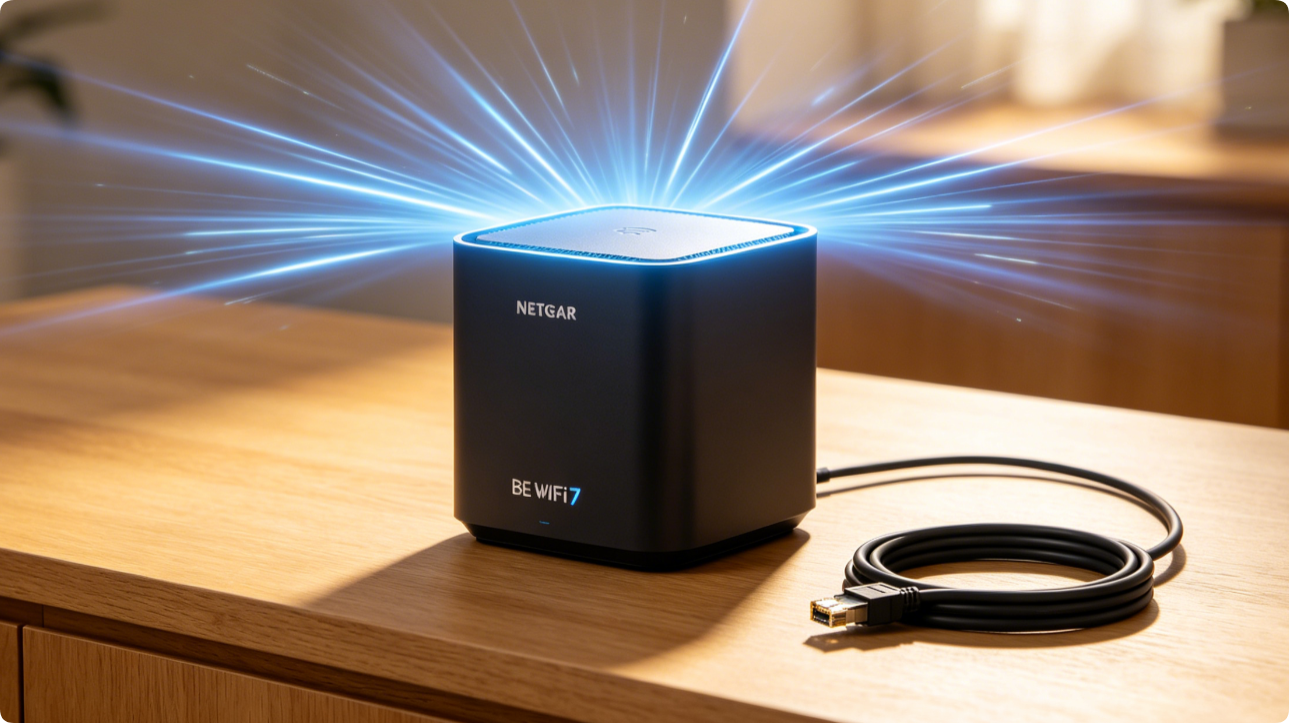
How to Set Up Netgear BE Series WiFi 7 for Rock-Solid Whole-Home Coverage: Wired Backhaul, Radio Tuning & Firmware Optimization
Netgear BE-series WiFi 7 mesh systems deliver ultra-high throughput and seamless roaming, yet many users suffer weak far-room signals and slow mesh links due to improper backhaul and radio settings. […]
Simple DIY Fixes: 10 Easy Netgear Home Router Tweaks to Speed Up Sluggish Home WiFi
Lagging video streams, long webpage load times and spotty coverage plague many Netgear Nighthawk and Orbi users. These 10 beginner-friendly tweaks take minutes each, no advanced technical skills required, and […]
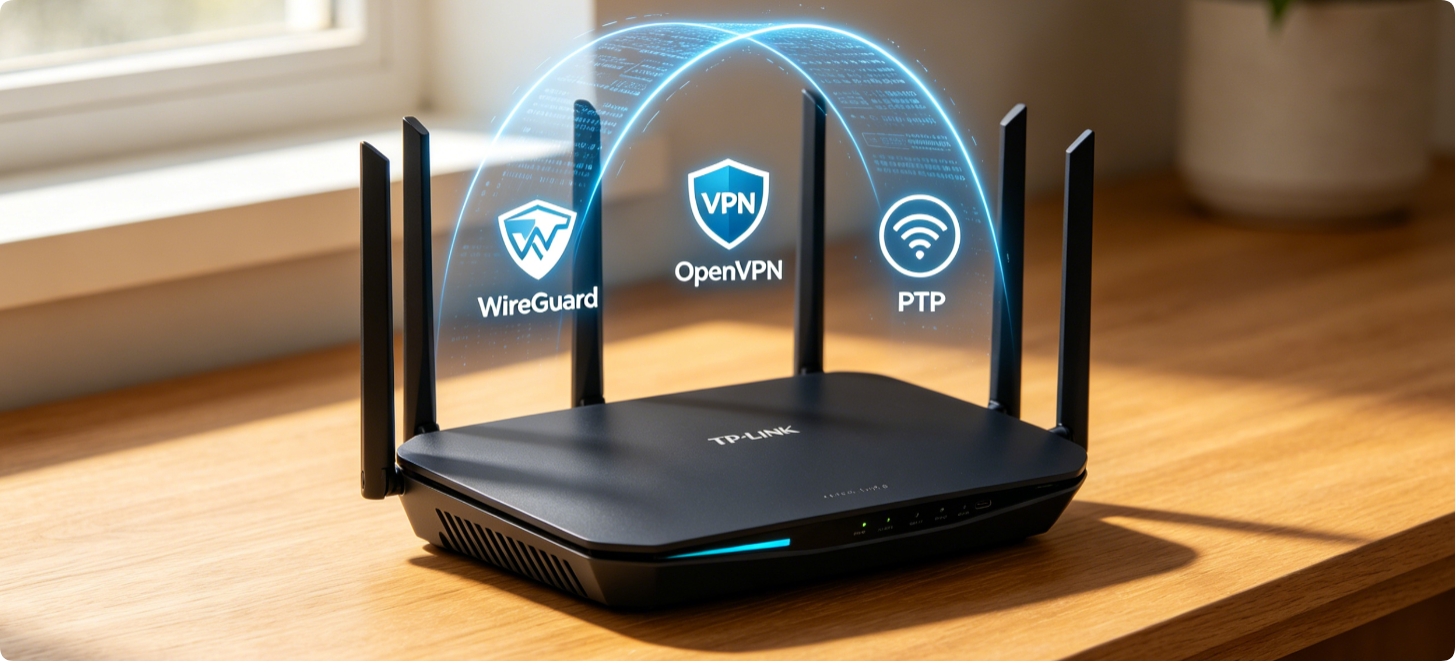
How to Deploy VPN on TP-Link Routers: Side-by-Side OpenVPN, PPTP, WireGuard Setup for Remote LAN Access & Whole-Home Encrypted Traffic
Running VPN directly on a TP-Link router encrypts traffic for every connected device and enables secure remote access to home NAS, cameras and PCs without installing client software separately. Most […]
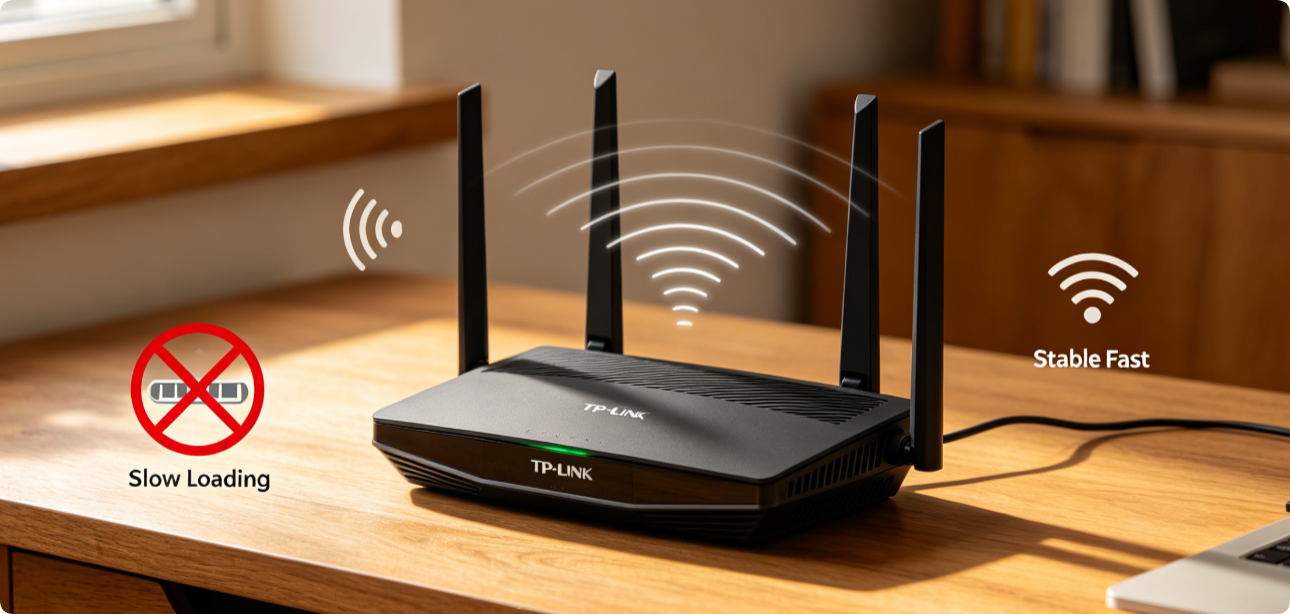
Your TP-Link Archer AX53 Router Keeps Dropping Wi-Fi & Running Slow? All Working Fixes In 10 Minutes
TP-Link Archer AX53 Wi-Fi 6 users frequently face random signal drops, constant lag, weak 5GHz speeds and frequent device disconnections. Most issues stem from misconfigured Wi-Fi bands, channel interference, outdated […]
Strong Home Router Security Settings Every User Should Apply: Complete Hardening Checklist for TP-Link, Netgear, Eero & All Mesh Routers
Unsecured home routers become easy entry points for hackers, botnet attacks, and neighbor bandwidth theft. Most owners leave critical default settings untouched, exposing smart cameras, NAS drives and personal data. […]
How to Change DNS Servers on Any Router for Faster Browsing: Step-by-Step Guide for TP-Link, Netgear & Eero Mesh
Slow website loading, laggy streaming and unreliable domain resolution usually stem from default ISP DNS servers. Swapping your router’s global DNS to public options like Cloudflare 1.1.1.1, Google DNS or […]
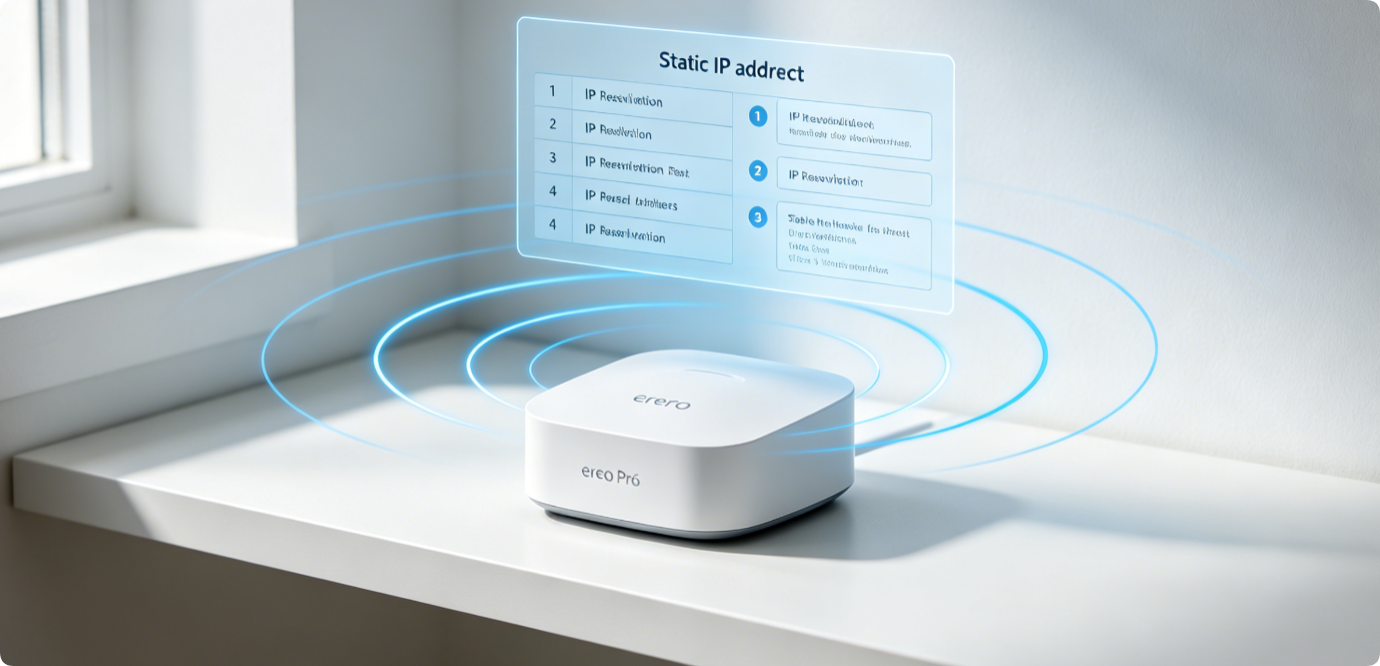
How to Configure Static IP Reservations on Eero Home Router Advanced Networking
Dynamic DHCP IP changes often break port forwarding, remote camera access and NAS connectivity on Eero mesh systems. Eero’s advanced networking menu offers static IP reservations to lock a permanent […]
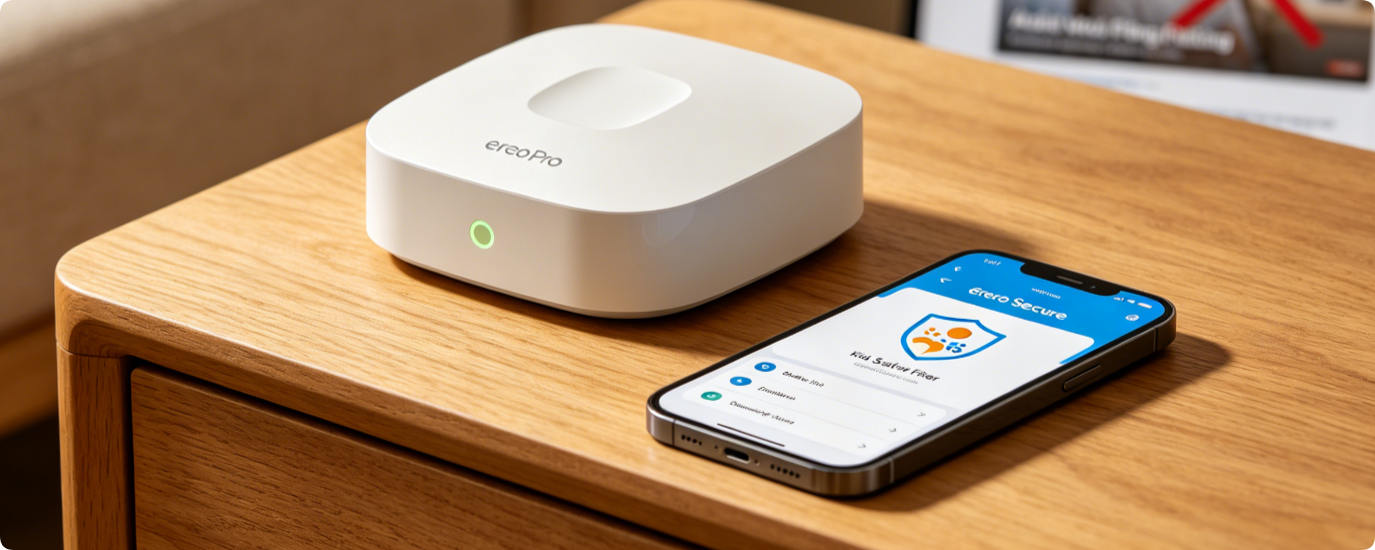
Custom Eero Secure Filter Setup: Block Adult Websites, Enable SafeSearch & YouTube Restricted Mode for Children’s Internet
Eero Secure delivers robust customizable web filters to protect kids from inappropriate online content. Unlike basic parental controls, it supports permanent adult site blocks, forced Google SafeSearch and locked YouTube […]
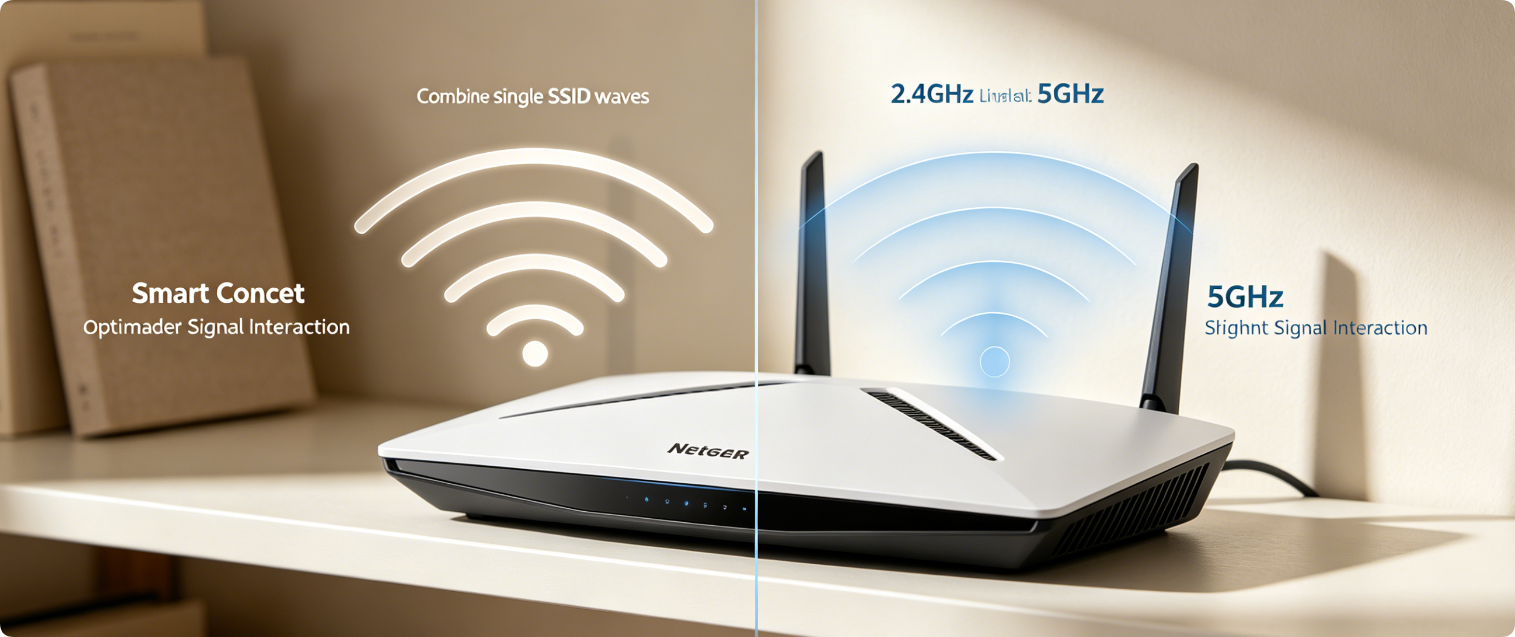
Separate vs Combined WiFi Bands: Best Netgear Home Router Smart Connect Setup
Netgear Smart Connect merges 2.4GHz and 5GHz Wi-Fi under one shared network name, but many users struggle with lag, disconnections and misassigned devices. This guide breaks down the pros and […]
Netgear Armor Full Step-by-Step Setup Guide: Activate Built-In Bitdefender Powered IoT Network Protection for Nighthawk & Orbi Mesh
Netgear Armor is a native network security suite driven by Bitdefender, preloaded on modern Nighthawk AX/RAX routers and Orbi Wi-Fi mesh systems. It blocks malware, brute-force hacking, IoT device exploits […]
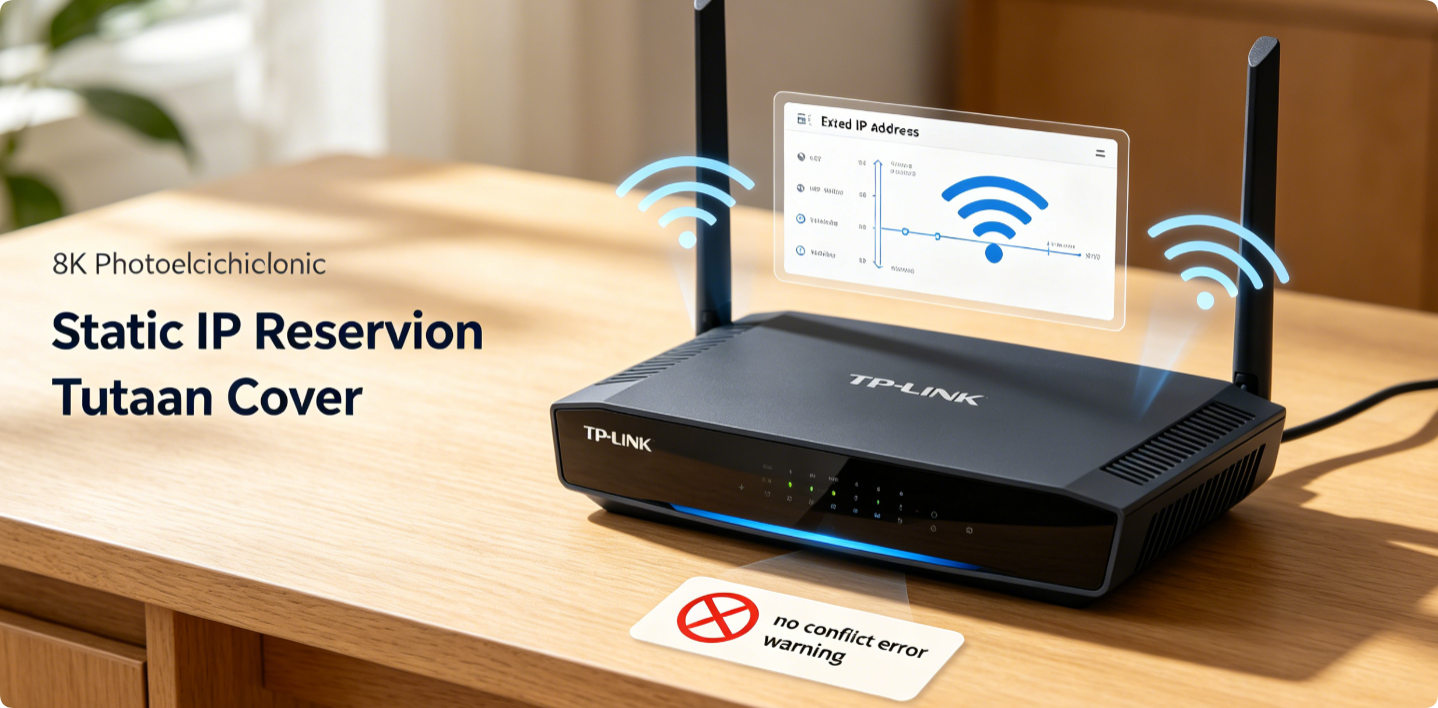
TP-Link Static IP Reservation Full Setup Guide: Eliminate Network IP Conflicts & Boost Long-Term Wi-Fi Connection Stability
Random dynamic IP assignments from TP-Link’s DHCP server often trigger IP conflicts, disconnections, and failed remote access for NAS, cameras, game consoles and smart devices. Static IP Reservation (also called […]
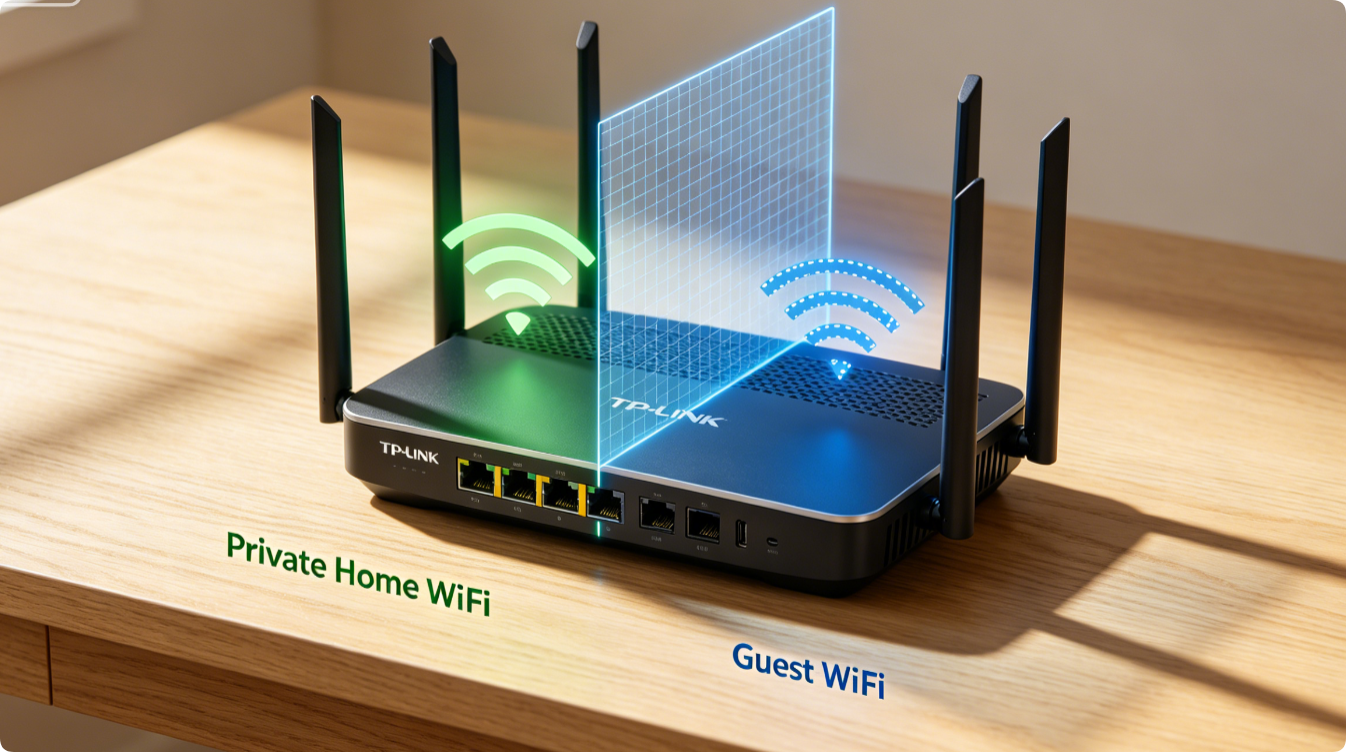
TP-Link Guest Wi-Fi Full Setup Guide: Enable Network Isolation to Separate Visitors Fully From Your Private Main Network
Sharing your main Wi-Fi with guests exposes personal devices, local storage and smart home gear to strangers. TP-Link’s built-in Guest Network feature creates a fully isolated secondary wireless zone. With […]